The client operating system for modern service businesses.
POVCRM brings your leads, conversations, bookings, automations, payments, pages, reviews, and reporting into one connected business workspace.

A connected CRM platform built around the customer journey.
POVCRM helps you manage the core operating flow of a growth-focused business: capture, communicate, book, automate, sell, and retain.
From first inquiry to repeat customer.
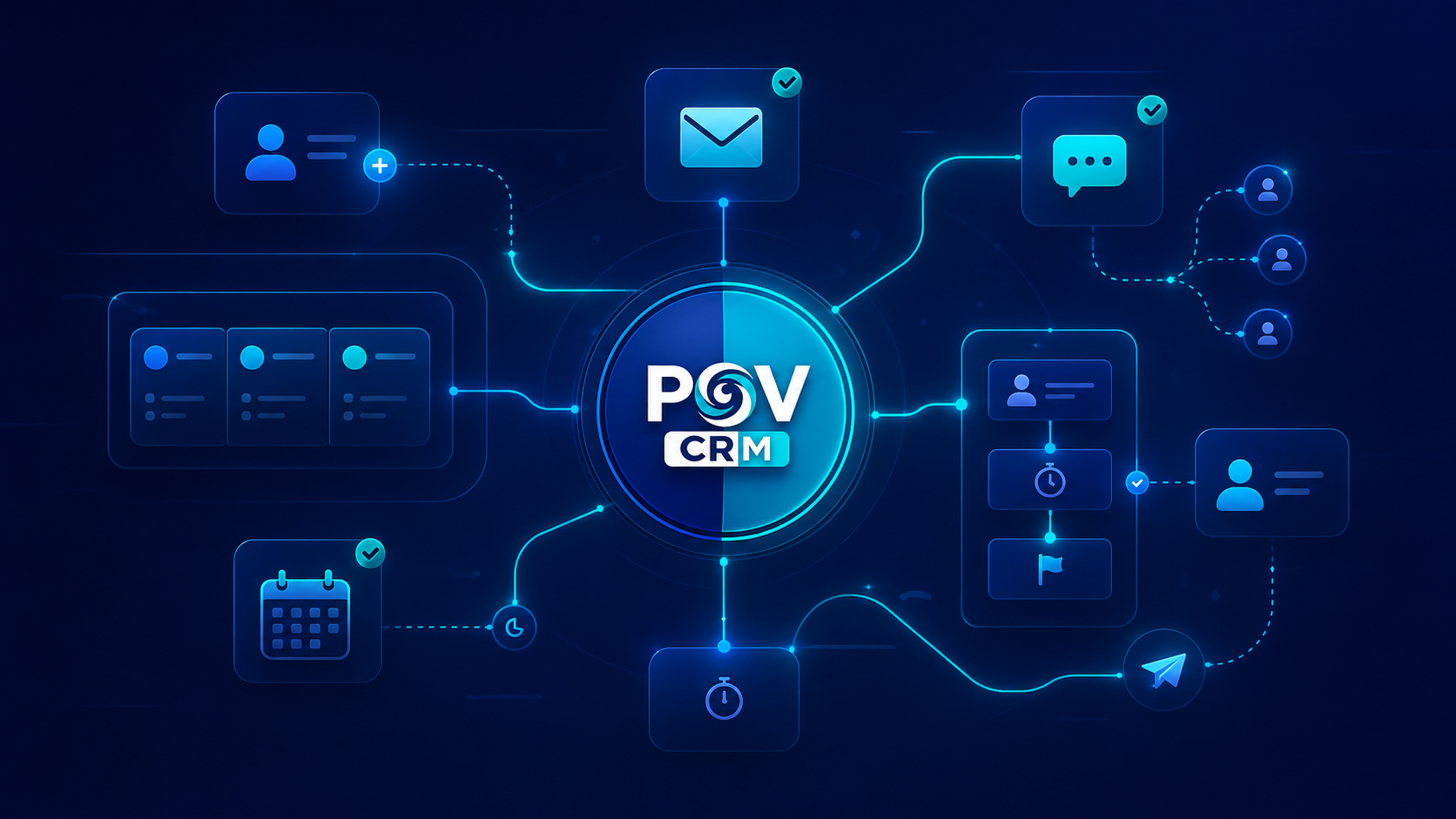
POVCRM turns business activity into an organized flow. Leads are captured, conversations are tracked, appointments are booked, workflows follow up, and pipelines show what needs attention.
Automation Engine
Build workflows for nurture, reminders, internal alerts, onboarding, review requests, and reactivation.
Pipeline Visibility
Track opportunities by stage, value, source, owner, and next step so nothing gets lost.
Lead Capture
Forms, surveys, funnels, sites, ads, calls, calendars, and source tracking.
Conversations
Email, SMS, calls, customer replies, inbox views, and contact history.
Calendars
Appointments, demos, consultations, reminders, buffers, and no-show follow-up.
Payments
Payment links, invoices, subscriptions, pipeline value, and payment-triggered workflows.
Reputation
Review requests, feedback loops, reputation workflows, and post-service follow-up.
AI & Support Tools
Use AI-assisted conversations, support routing, and automation to reduce manual workload.
Connect your tools and configure the setup around your business.
POVCRM supports 40+ apps, tools, and connection types across calendars, payments, social lead sources, websites, communication, workflows, APIs, and more.
Everything your client journey needs in one system.
Separate tools manage individual tasks. POVCRM helps you manage the full path from first inquiry to booked appointment, payment, onboarding, review, and retention.
Keep every lead, client, and opportunity organized.
POVCRM gives your business a central place to manage contacts, opportunities, pipelines, tasks, appointments, conversations, and next steps.

Turn interest into appointments without the back-and-forth.
Let prospects book calls, consultations, showings, appointments, or service visits with connected reminders and follow-up.
Follow up faster without doing everything manually.
Use workflows to send reminders, nurture messages, onboarding steps, review requests, reactivation campaigns, and internal task updates.
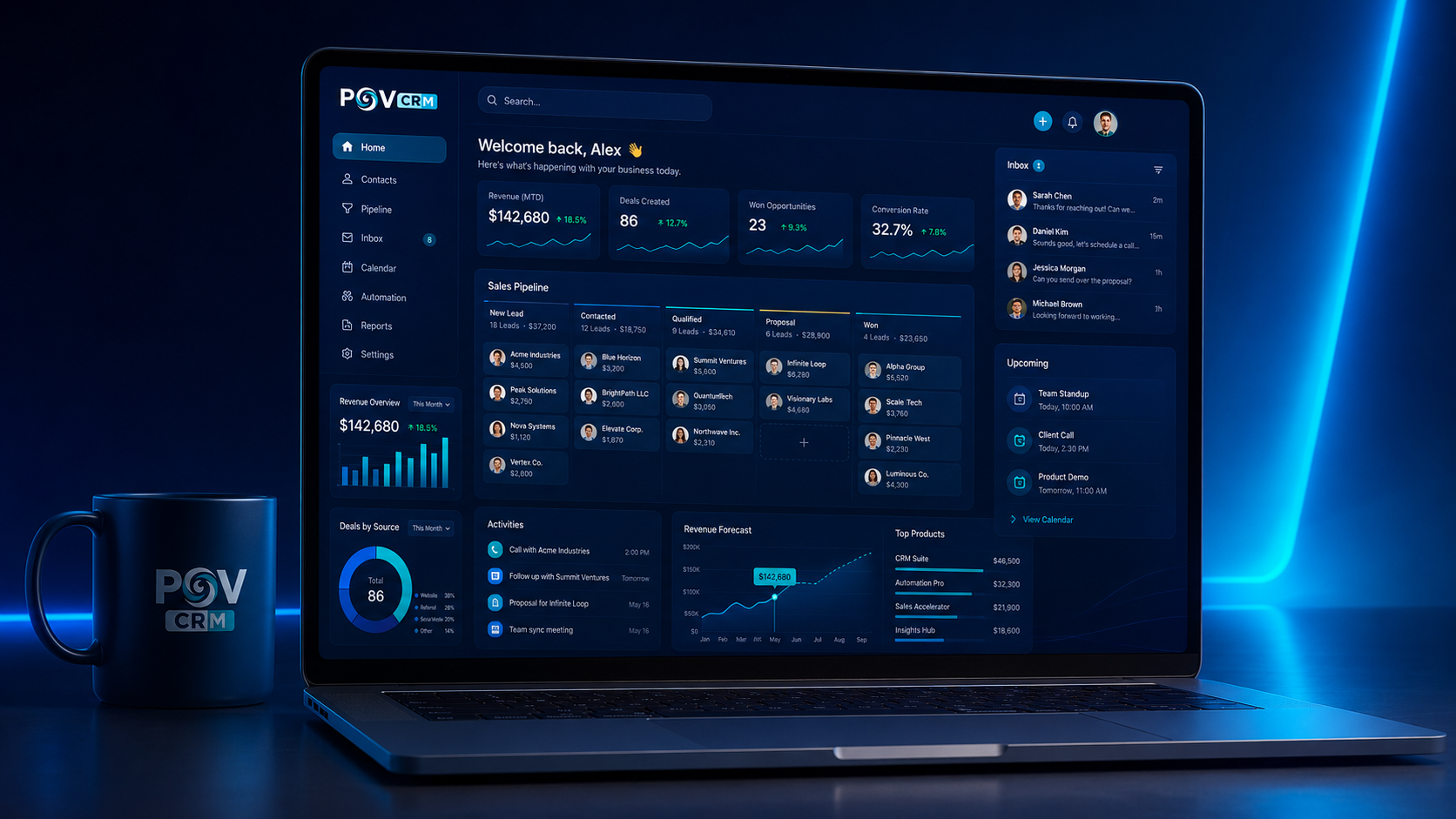
Use POVCRM from your browser or desktop workspace.
Keep your business operating system accessible, organized, and easy for your team to use daily.
The tools your team needs to manage and grow.
Use the platform as a connected workspace instead of juggling multiple disconnected apps.
Unified Inbox
Manage connected conversations and client communication in one place.
Pipelines
Track opportunities, deals, appointments, proposals, and client stages.
Calendars
Let prospects and clients book appointments with reminders.
Workflows
Automate reminders, follow-up, onboarding, reviews, and campaigns.
Forms & Pages
Create lead capture forms, landing pages, funnels, and websites.
Payments
Support payments, invoices, and client revenue workflows.
Reviews
Request and manage reviews to build trust and visibility.
Reporting
See activity, opportunities, appointments, and business performance.
Start with the workflow that creates the fastest value.
Most businesses should not try to build everything on day one. Start with the workflow that improves lead capture, booking, follow-up, or client communication first.
Lead Capture System
Best if you need more inquiries captured from forms, landing pages, or website traffic.
Booking System
Best if your business depends on consultations, appointments, showings, or service calls.
Follow-Up System
Best if leads are going cold because responses and reminders are inconsistent.
Client System
Best if you need onboarding, payments, communication, reviews, and retention workflows.
Start your 7-day POVCRM trial.
Card required to activate. No charge today. Cancel before the trial ends.